
Specialist SAP delivery, now part of Cygnet.One
TechPoint continues to help enterprises plan, implement, modernize, integrate, and support SAP through dedicated functional and technical teams.
Discover TechPointPlan, modernize, and run SAP with confidence
Build the right SAP roadmap, move to SAP Cloud ERP, improve existing applications, and strengthen ongoing support with one specialist SAP team.
Explore SAP ServicesSAP Cloud ERP Transformation
Modernize core processes and move to Cloud ERP with GROW or RISE with SAP.
Build a Connected ERP Foundation for Growth
TechPoint, a Cygnet.One company, helps organizations move to SAP Cloud ERP through GROW or RISE with SAP. We align the transformation path with existing systems, process complexity, and business priorities, covering strategy, migration, integration, testing, user adoption, and ongoing support.
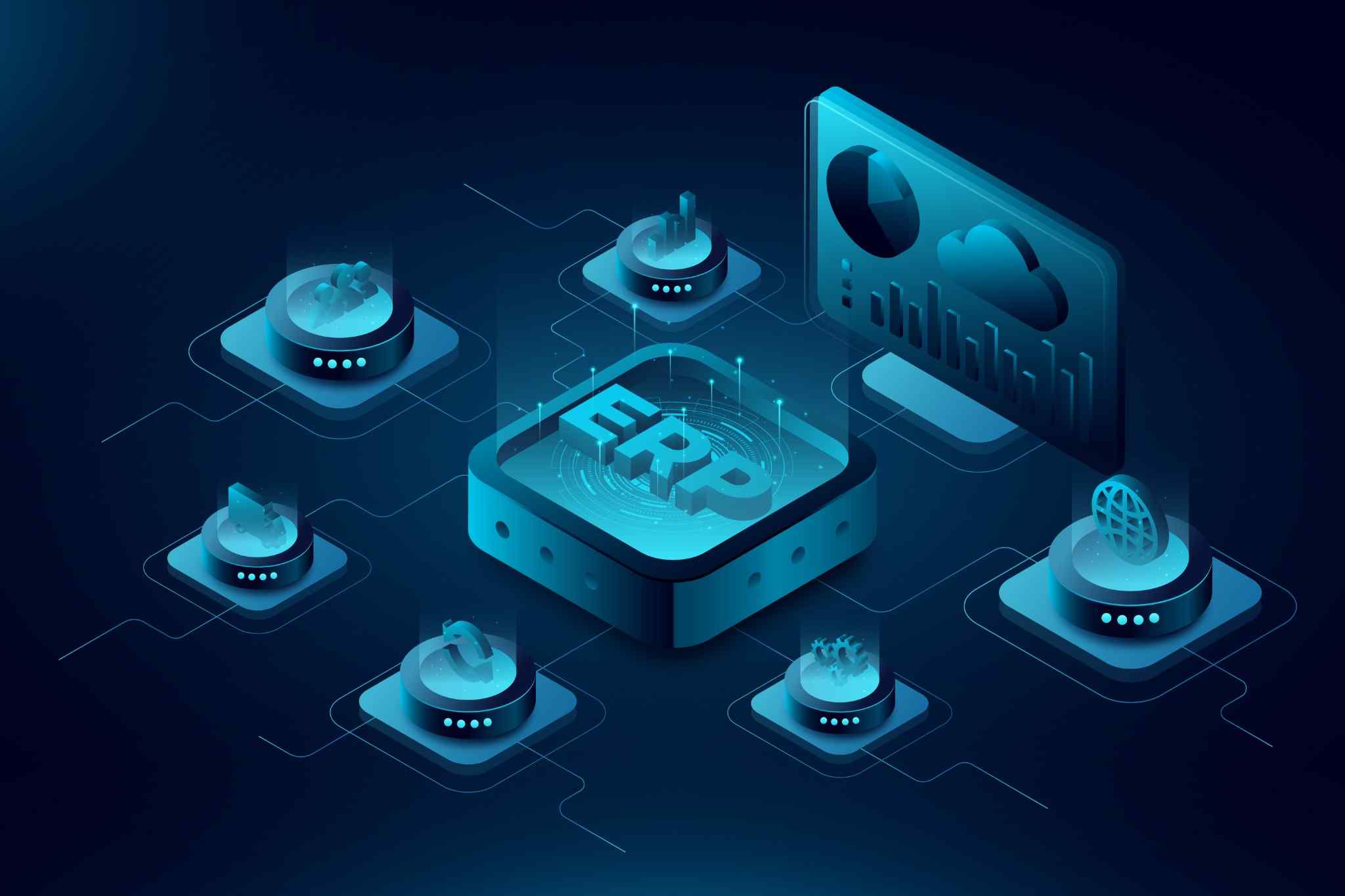
GROW and RISE with SAP for Cloud ERP Transformation
These platforms address different business and technology starting points.
GROW with SAP
It helps organizations adopt SAP Cloud ERP through SAP Cloud ERP Public Edition. It is suited to growing companies, new SAP customers, subsidiaries, and businesses replacing entry-level or disconnected ERP systems. The solution follows a fit-to-standard approach based on predefined processes and cloud-ready implementation practices.
GROW with SAP is suited to organizations that need
- A new cloud ERP foundation
- Faster and more predictable implementation
- Standardized business processes
- Preconfigured industry capabilities
- Regular cloud updates
- Predictable operating costs
- Support for business expansion
- A two-tier ERP model for subsidiaries


RISE with SAP
RISE with SAP helps existing SAP customers move established ERP environments to SAP Cloud ERP Private. It is suited to organizations running SAP ECC or complex SAP S/4HANA environments that require greater flexibility across processes, configurations, integrations, extensions, and migration sequencing.
RISE with SAP is suited to organizations that need
- SAP ECC modernization
- A managed private cloud ERP environment
- Support for complex business processes
- Flexible migration options
- Existing customization assessment
- Clean-core modernization
- Greater control over transformation sequencing
- A structured cloud operating model
GROW or RISE with SAP?
| Business Consideration | GROW with SAP | RISE with SAP |
|---|---|---|
|
Typical customer |
New or growing SAP customer |
Existing SAP ERP customer |
|
ERP environment |
New cloud ERP implementation |
Established SAP landscape |
|
Primary cloud model |
SAP Cloud ERP Public Edition |
SAP Cloud ERP Private |
|
Process approach |
Standardized and fit-to-standard |
Flexible for complex requirements |
|
Migration approach |
Primarily greenfield |
Greenfield, brownfield, or selective transition |
|
Customization model |
Cloud-compliant extensions |
Greater support for existing complexity |
|
Typical objective |
Adopt and scale cloud ERP |
Modernize and move an existing ERP core |
End-to-End Support for SAP Cloud ERP Transformation
We support every stage of your SAP Cloud ERP journey, from assessment and implementation to migration, integration, user adoption, and ongoing application support. Our services align technology decisions with business priorities to deliver a structured and scalable ERP transformation.
Assess ERP landscape and define a cloud transformation roadmap.
- ERP landscape assessment
- Process assessment
- Cloud readiness
- Migration strategy
- Transformation roadmap
Implement SAP Cloud ERP Public Edition using fit-to-standard principles.
- Fit-to-standard workshops
- Process configuration
- Data migration
- Integration setup
- Go-live support
Modernize existing SAP environments through a structured cloud migration.
- SAP ECC assessment
- Migration planning
- Custom code assessment
- Data transition
- Cutover support
Standardize core workflows across functions, teams, and business units.
- Process harmonization
- Workflow standardization
- Process optimization
- Governance alignment
- Role definition
Migrate business data with accuracy, consistency, and validation.
- Data profiling
- Data cleansing
- Data mapping
- Migration validation
- Data reconciliation
Connect SAP Cloud ERP with enterprise and external applications.
- Application integration
- API integration
- Partner connectivity
- Third-party integration
- Interface monitoring
Extend SAP Cloud ERP with cloud-native applications and automation.
- Side-by-side extensions
- Workflow automation
- Application development
- Analytics integration
- Process automation
Validate processes, integrations, data, and system performance before deployment.
- Functional testing
- Integration testing
- Regression testing
- Performance testing
- User acceptance testing
Prepare users for successful SAP Cloud ERP adoption.
- Role-based training
- User readiness
- Process documentation
- Adoption support
- Go-live assistance
Support, maintain, and continuously improve your SAP Cloud ERP environment.
- Incident management
- Performance monitoring
- Release management
- Enhancement support
- Continuous optimization
How SAP Cloud ERP Improves Core Business Operations
Modernize the ERP Environment
Move legacy SAP systems and disconnected business applications to a scalable cloud foundation. Reduce infrastructure dependencies, technical debt, and operational complexity.
Standardize Core Processes
Adopt consistent workflows, governance controls, master data structures, and reporting practices across business functions and locations.
Digitize Business Operations
Use automation, analytics, integration, workflows, and cloud-based applications to improve how information moves across the enterprise.
Select the Right Migration Approach
Every SAP transformation requires a migration strategy suited to its business and technical context.
Greenfield Implementation
Establish a new SAP Cloud ERP environment based on standardized processes. This approach is suitable when existing systems contain extensive complexity or outdated process structures.
Brownfield Conversion
Convert an existing SAP ERP environment while retaining selected processes, configurations, and historical data. This approach can support organizations that want to preserve substantial existing investments.
Selective Data Transition
Move selected processes, organizational units, configurations, and data into a new SAP environment. This provides greater control over what is retained, redesigned, or retired.
Maintain a Clean and Manageable ERP Core
Excessive custom code and tightly coupled integrations can make ERP environments difficult to upgrade and support. TechPoint applies clean-core principles across design, implementation, and migration. Standard SAP capabilities remain at the center of the solution, while necessary extensions and integrations are developed using cloud-aligned methods.
This approach helps organizations
- Reduce technical debt
- Simplify future upgrades
- Improve system maintainability
- Control customization
- Adopt new SAP capabilities more easily
- Protect business-specific requirements
- Strengthen process governance
Define the Future SAP Operating Model
- Application monitoring
- Interface management
- Security and access
- Incident resolution
- Release management
- Change governance
- Performance management
- Application support
Our SAP Cloud ERP Delivery Approach
Assess
Review the ERP landscape, processes, data, integrations, custom developments, risks, and cloud readiness.
Define
Confirm the SAP cloud model, implementation scope, migration approach, target architecture, governance structure, and delivery plan.
Design
Conduct process workshops, align requirements with SAP capabilities, plan data migration, and define integrations and extensions.
Implement
Configure the SAP solution, migrate data, develop integrations, complete testing, and prepare users.
Deploy
Execute cutover, validate production readiness, manage go-live, and stabilize business operations.
Improve
Support releases, resolve operational issues, enhance processes, and introduce new SAP capabilities based on business priorities.
Business Outcomes Enabled by SAP Cloud ERP
A structured SAP Cloud ERP transformation can help your organization achieve
Connected enterprise processes
Consistent operational data
Improved business visibility
Standardized workflows
Faster financial reporting
Better supply chain coordination
Reduced legacy dependence
Clearer system ownership
Why Choose TechPoint?
End-to-end SAP support across the complete lifecycle
Public and private cloud implementation and modernization expertise
ERP decisions aligned with business and operational priorities
Clean-core extensions designed for easier upgrades and maintenance
Industry-specific SAP knowledge across process-intensive business environments
Structured application support after go-live and ongoing improvements
Start Your SAP Cloud ERP Transformation
Whether you are adopting SAP Cloud ERP for the first time or moving an established SAP environment to the cloud, TechPoint can help you define and execute a clear transformation path.